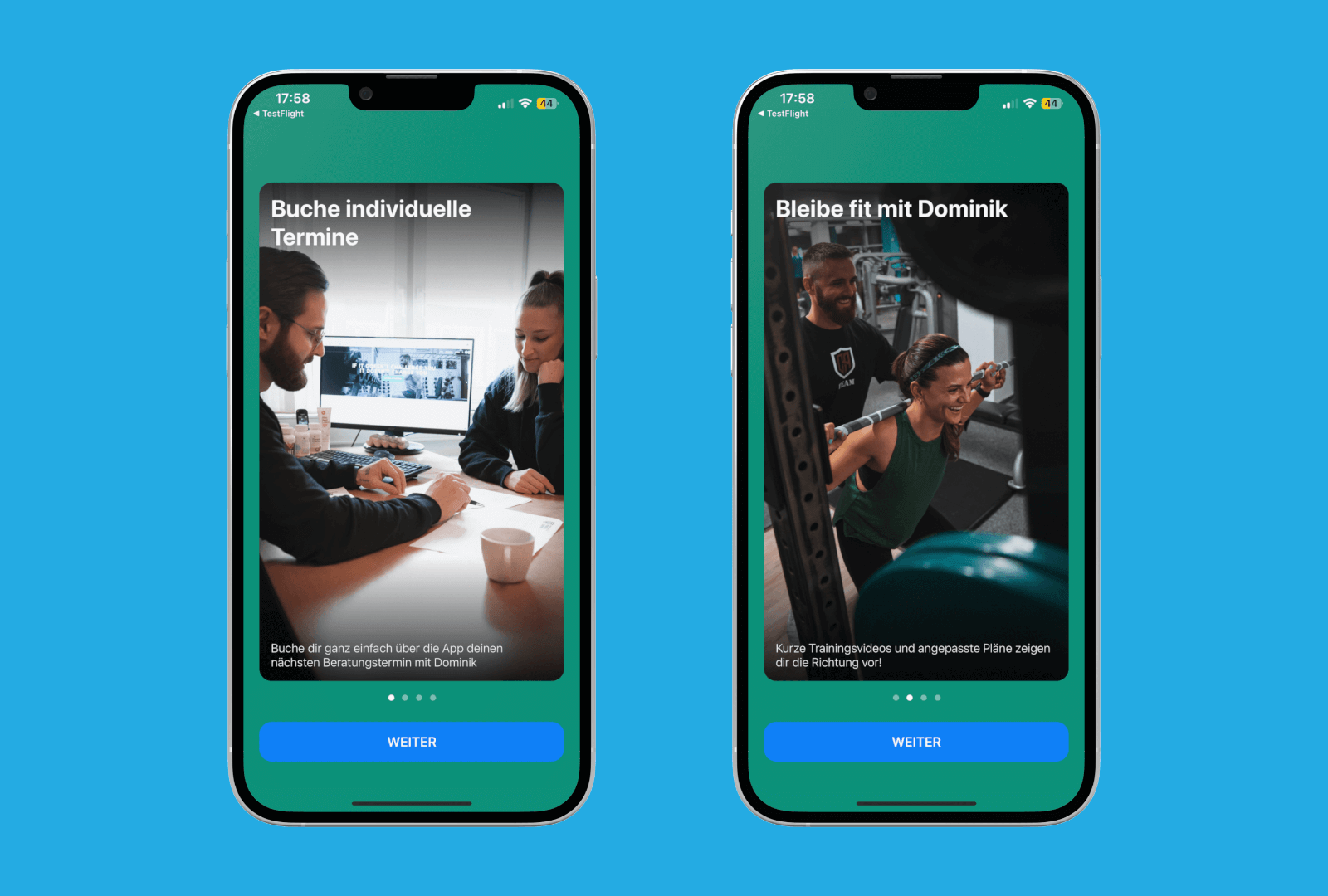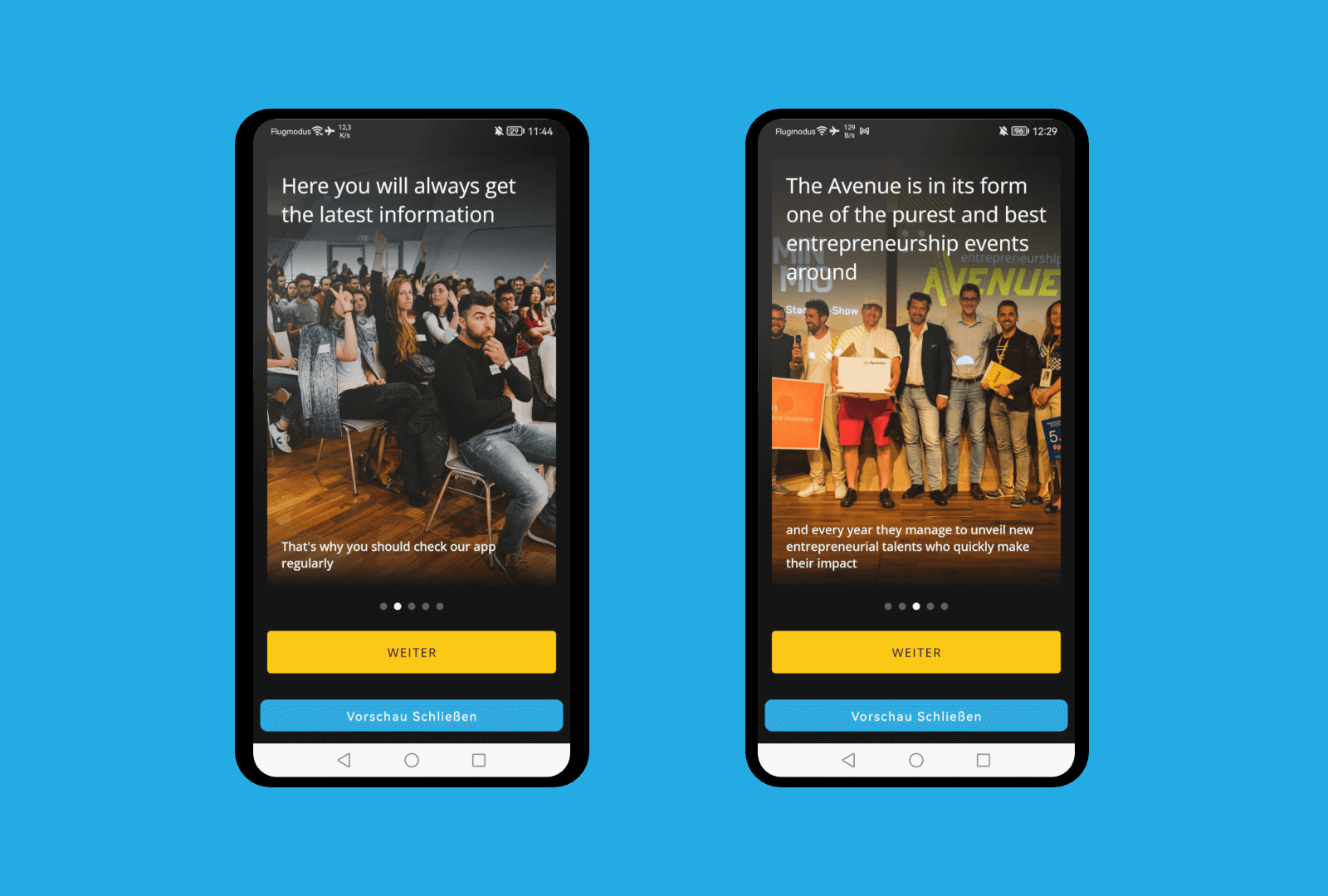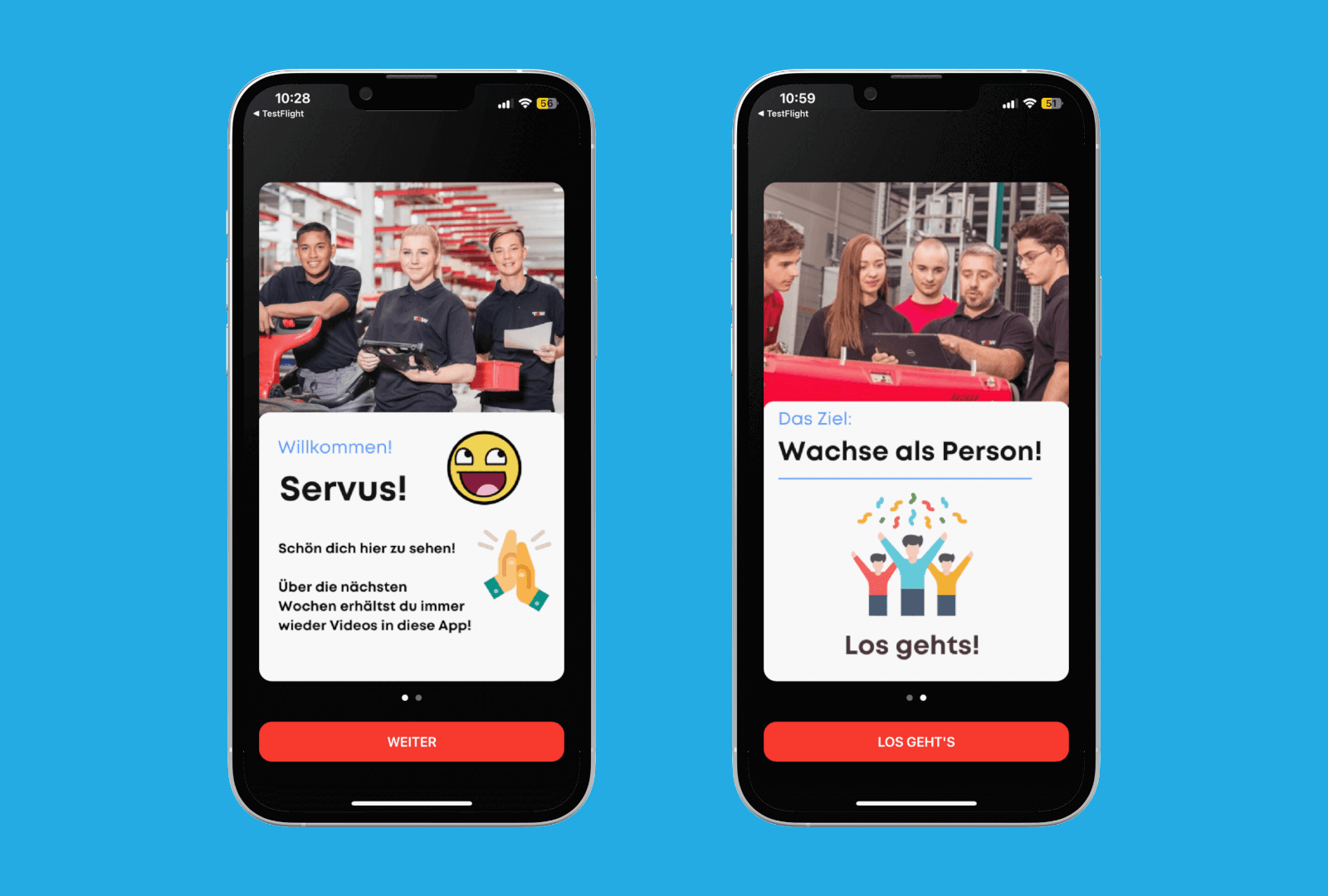
Onboarding
Users will get a brief overview of the content and functionalities of your #App
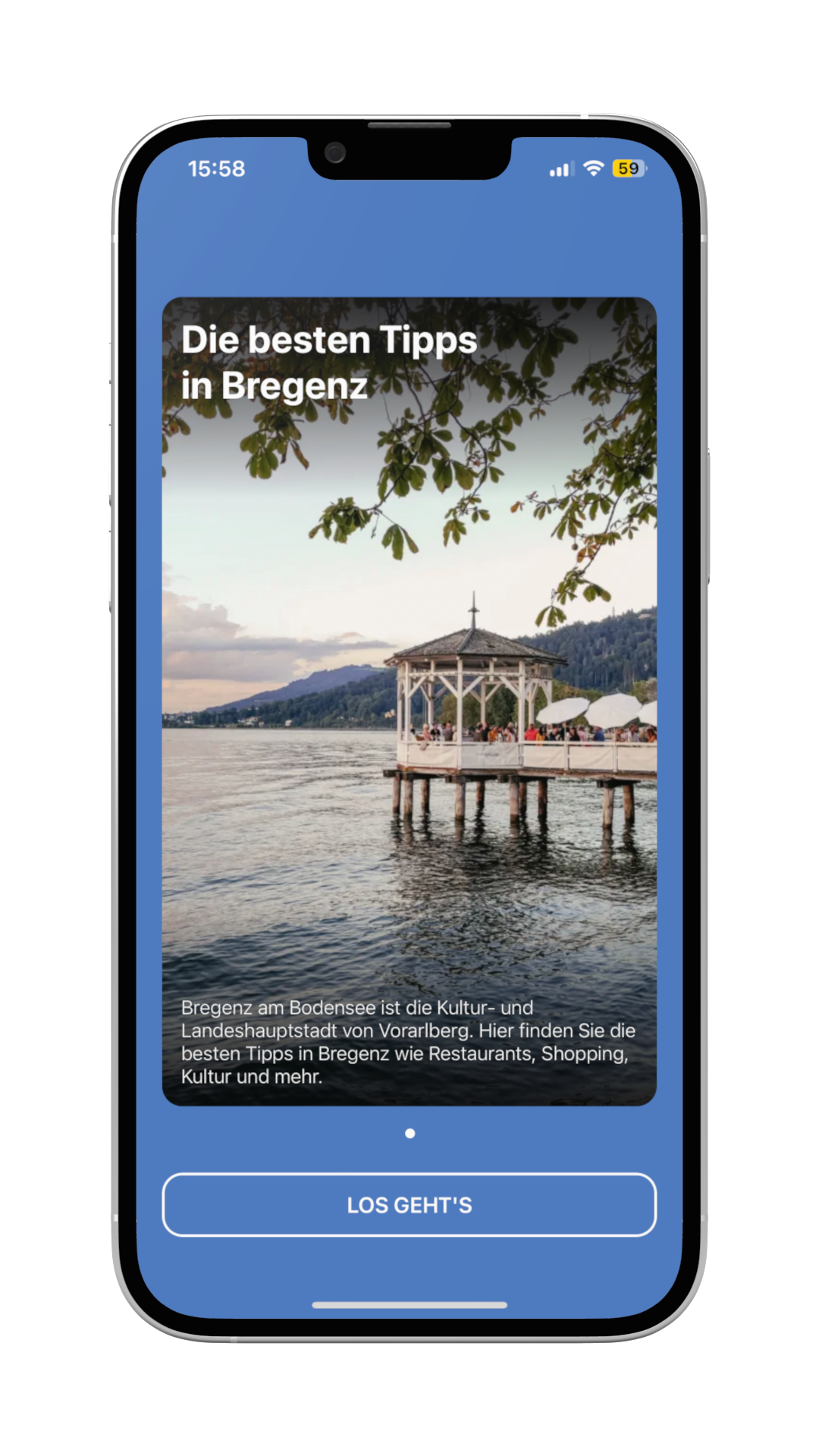
When the #App is opened by the customer for the first time, the #Onboarding #Feature comes into play. It is also useful for many things. On the one hand, the users of the #App can be familiarized with important information about the handling or the contents in the #App. On the other hand, it can also be used to show the changes or new features after #updates. Basically, there is no limitation of slides that can be used in #Onboarding. The slides usually consist of a picture (or video) with a title (located in the upper area of the picture/video) and a subtitle or a short description. As mentioned above, the #Onboarding is only shown after opening the app for the first time or after an update, so the screens and their content should be well chosen.